back to blog
 7 min read
git workflow devops
Git Workflow Guide: From Chaos to Clarity
Master Git workflows that keep your codebase clean and your team productive.
Ajmal Razaq
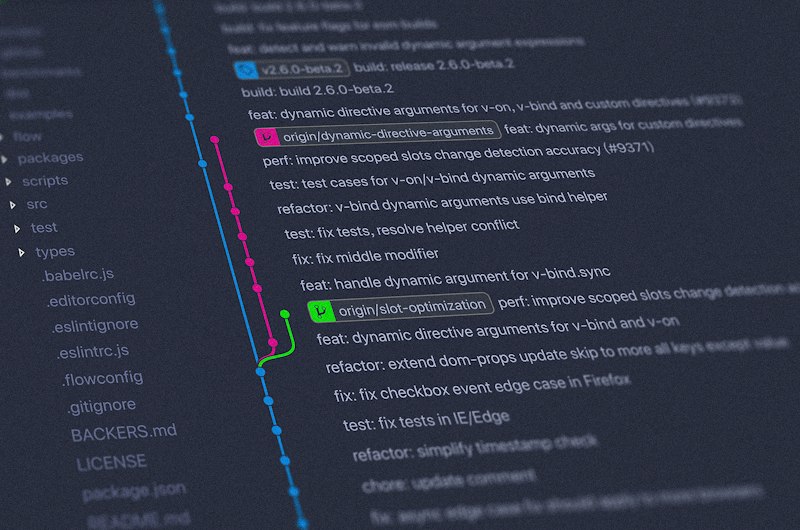
Why Git Workflow Matters
A good Git workflow prevents merge conflicts, keeps history clean, and makes collaboration seamless.
The Feature Branch Workflow
The most common and effective approach:
# Create a feature branch
git checkout -b feature/user-authentication

# Work on your feature
git add .
git commit -m "feat: add login form component"

# Push and create a PR
git push origin feature/user-authentication
Writing Good Commit Messages
Follow the conventional commits specification:
feat: add user authentication
fix: resolve login redirect issue
docs: update API documentation
refactor: extract validation logic
test: add unit tests for auth service
Keeping Your Branch Up to Date
Rebase to maintain a clean history:
git fetch origin
git rebase origin/main
The Pull Request Process
- Keep PRs small and focused
- Write a clear description
- Request reviews from relevant team members
- Address feedback promptly
- Squash commits before merging
Handling Merge Conflicts
Don’t panic — conflicts are normal:
# After a conflict during rebase
git status                  # See conflicting files
# Fix conflicts in your editor
git add .                   # Stage resolved files
git rebase --continue       # Continue the rebase
Conclusion
A consistent Git workflow is like a clean kitchen — it makes everything easier and more enjoyable. Start with these basics and adapt as your team grows.